 Hazelnote
Studying
How to use your study plan and practice exams.
You tell Hazelnote when the exam is. The AI plans small steps until then and tests you beforehand like the real thing.
Contents
Set up a learning goalThe learning pathThe exam phaseTake a mock examA mock exam without a goalCommon questions- With a learning goal, the AI plans short daily steps for you up to the exam.
- You write a mock exam by hand in an exam notebook, with a time limit, and the AI grades it.
- Learning goals, the learning path and mock exams are part of Pro.
A learning goal is your plan for an exam, a presentation or a certificate. It becomes your learning path, and before the big day come practice exams, called mock exams in the app. Here's how to set up a goal, how the path works and how a mock exam goes.
Set up a learning goal
Open Learn and tap New goal. Then you answer four quick questions:
- What are you learning for? Enter a name, such as chemistry exam, and pick a kind, for example exam, presentation or certificate.
- When is the exam? Pick the day in the calendar, or choose No fixed date.
- Which material? Pick summaries and notebooks, or add a document, a photo or a link.
- How much time a day? Set the minutes in steps of 5. Hazelnote shows you right away whether the plan fits before the day before.
Tap Create plan. The AI builds your plan, which takes a moment. Tap Continue in the background to do something else meanwhile. Afterward, Your plan shows the chapters, lessons and a calendar. Tap Let's go to start.
The plan wraps up the day before the exam, so everything is in place on the big day.
The learning path
Your learning path is made of chapters and stages. Each stage takes a few minutes and mixes explanations, tasks and reviews. You unlock one stage after another. Each chapter ends with a chapter test, and 80% unlocks what comes next.
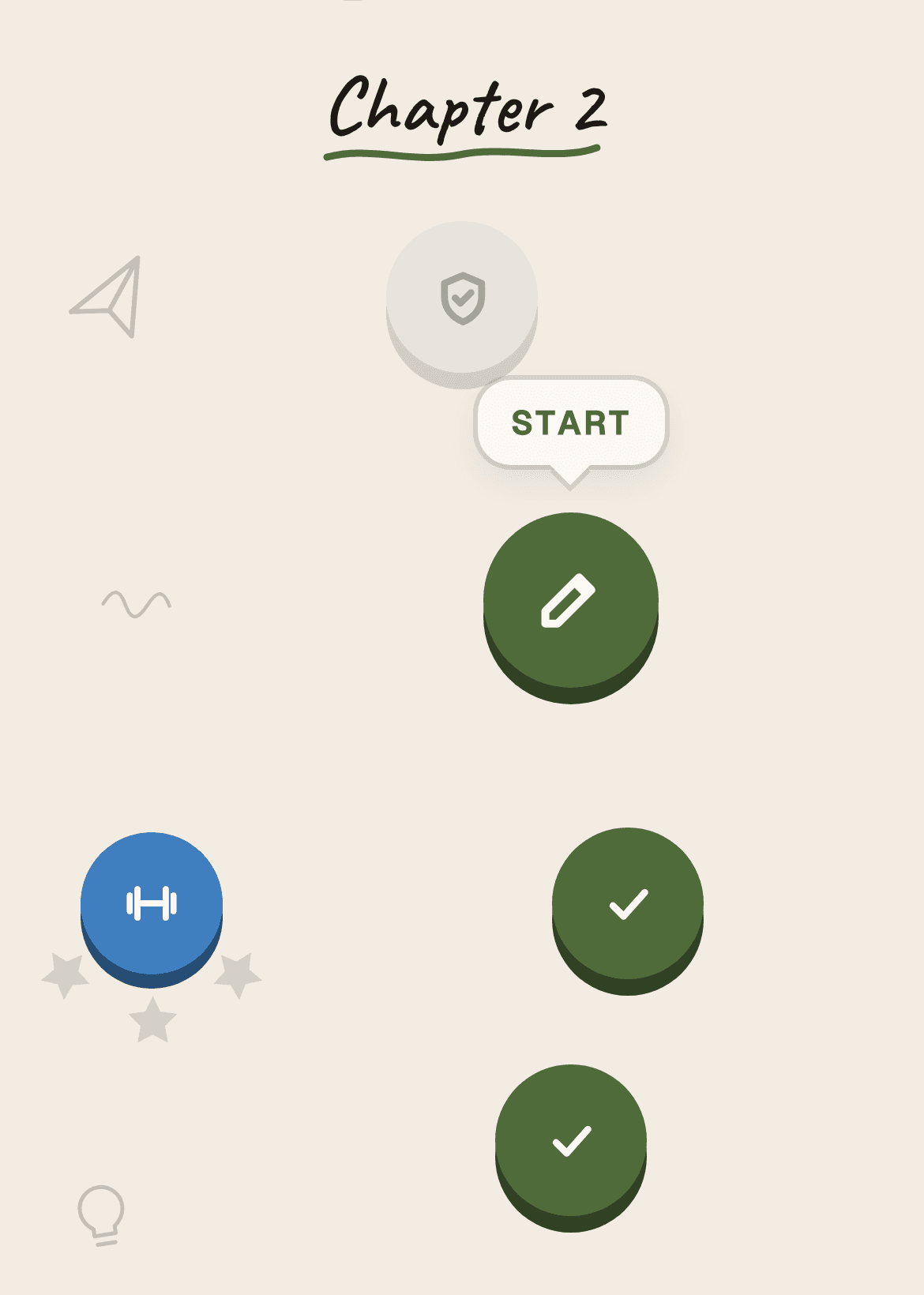
Got new material? Open Material from the goal's menu. There, tap Add material to add more summaries or notebooks, then Rebuild plan.
The exam phase
Before the goal day comes the exam phase. You take mock exams, then work on what cost you points in Close the gaps, and do an easy review the day before. The last mock exam is the Dress rehearsal. Tap the mock exam on your path, then Prepare the mock exam.
Take a mock exam
- Choose the basisUnder What should the exam be built from?, choose Upload an old exam, Search the web or Only from my material. With an old exam, the new one comes closest to the real thing.
- Write itTap Write it now. The exam opens as an exam notebook with a cover page and one page per task. You write with a pen or your finger, just like on paper.
- Hand it inWhen you're done, tap Hand in. The AI grades it task by task and shows you your points, your score and what's still missing.
How much time you have is shown on the exam before you start, usually 90 minutes for a learning goal, or 60 when the subject is mainly math. Pause stops the clock, and Leave lets you come back later. When time runs out, nothing is handed in automatically: you keep writing and hand it in yourself. Tap Later instead of Write it now to save the exam for another day.
A mock exam without a goal
You can also take a mock exam without a learning goal. In Learn, tap Create new, then Mock exam. Pick your material, a template if you like, and the length: 45, 60 or 90 minutes. You'll find all your mock exams under Free practice in the Mock exams tab.