AI notes
Whatever you have becomes a study note.
Record a lecture, upload a script, paste a link or photograph the board. Hazelnote writes an organised note from it, in the language of your material.
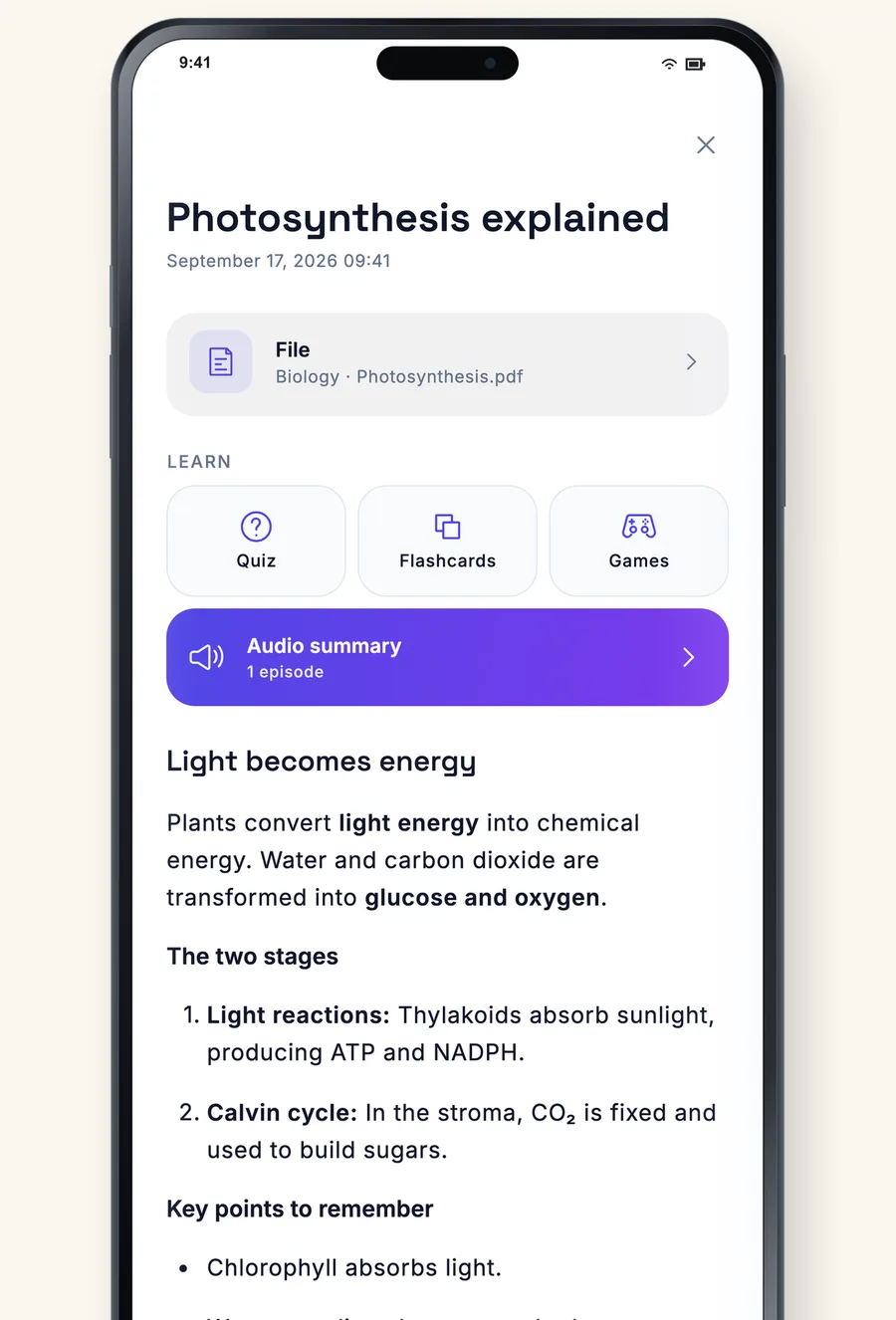
Sources
Five ways to a note
Whatever is in front of you: a lecture, a PDF, a web page, a file or up to ten photos at once.
- Voice recording
- PDF, file and web link
- Up to ten photos in one note
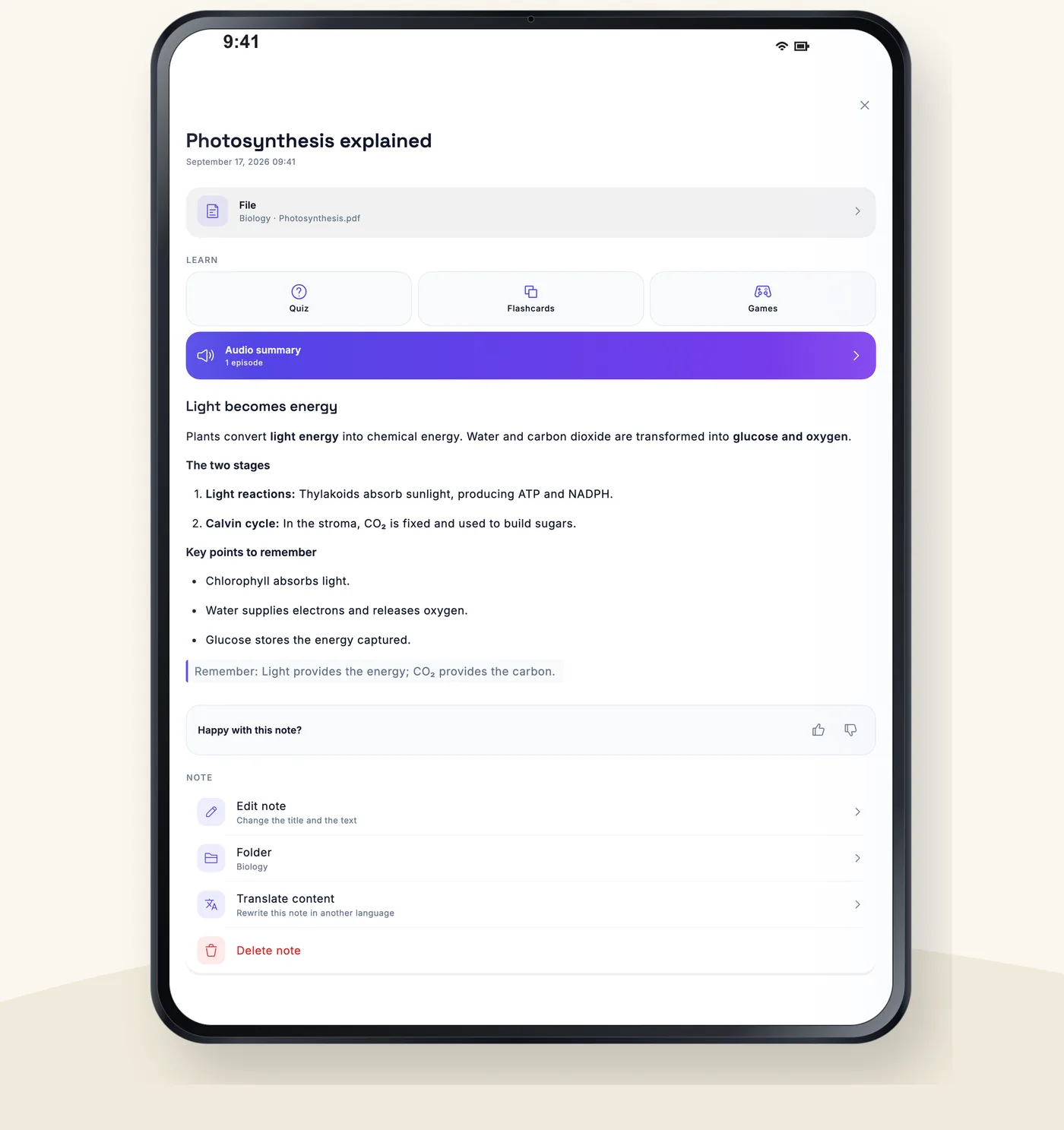
The note
Organised, not just summarised
Headings, key points and what to remember. A German script gives a German note, an English one an English note.
- Follows the language of the material
- Translate in one tap
- Ask questions in the chat
Keep going
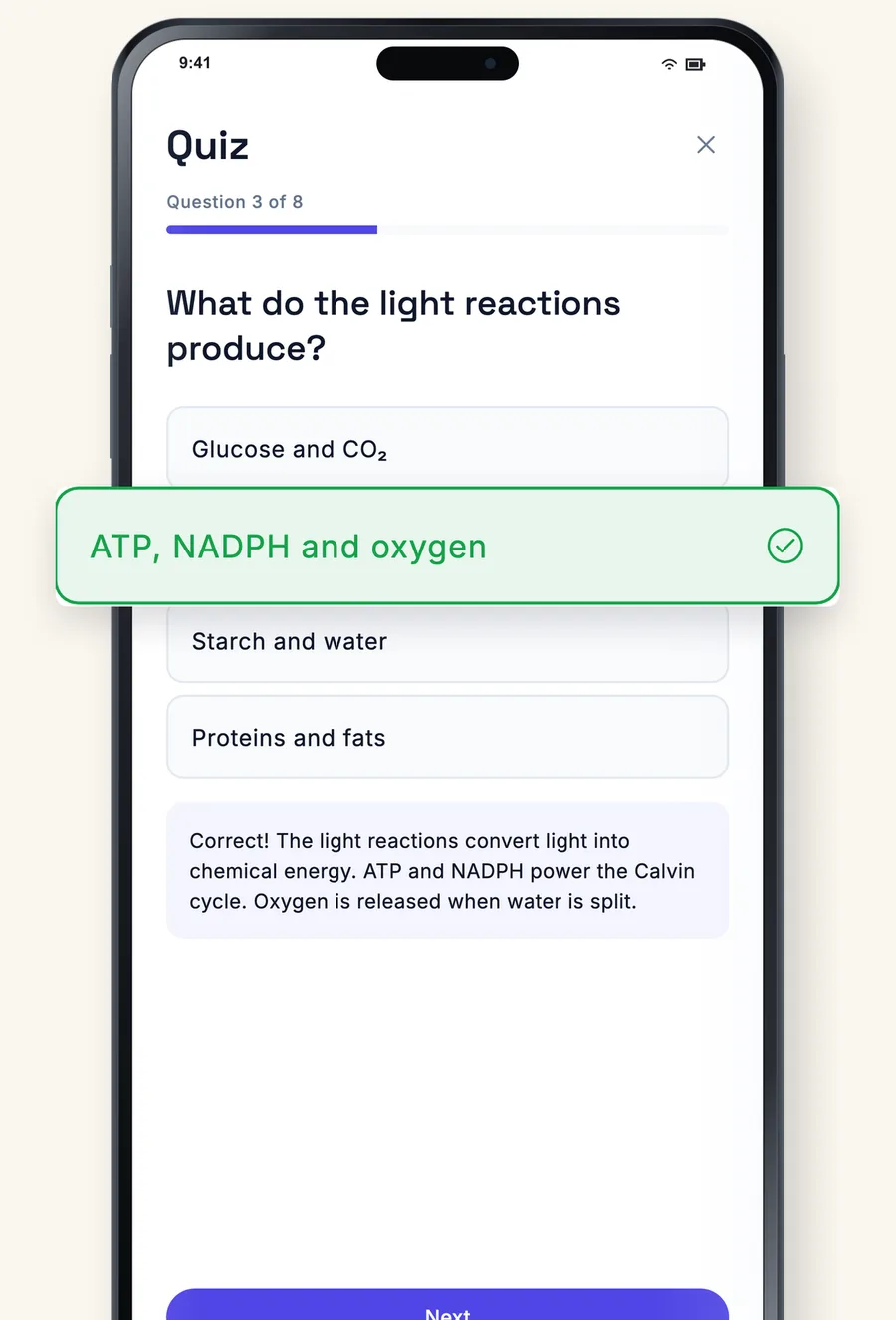
From the note straight into a quiz
Every note has a quiz, flashcards, study games and an audio summary just one tap away.
- Quizzes with explanations
- Flashcards and study games
- As audio to listen to
More than a summary
Recording
Record a lecture or a meeting.
Photos
Board, worksheet, book page.
Web links
Articles and pages as a source.
Translate
The note in another language.
Chat
Ask questions of your own notes.
From handwriting
From your notebook pages too.
Frequently asked questions
Which plan includes AI notes?
Pro. Essential includes a small allowance to try it out.
How many notes can I create?
Pro has a generous allowance that renews weekly and monthly. You can see how much you have used in the settings. For more there is the AI Pass.
Which language is the note written in?
The language of your material. You can translate it afterwards in one tap.