Notebook
Write the way you always have.
A notebook that feels like paper and still does everything paper can't: undo, move, sort, and come with you everywhere.
Pens
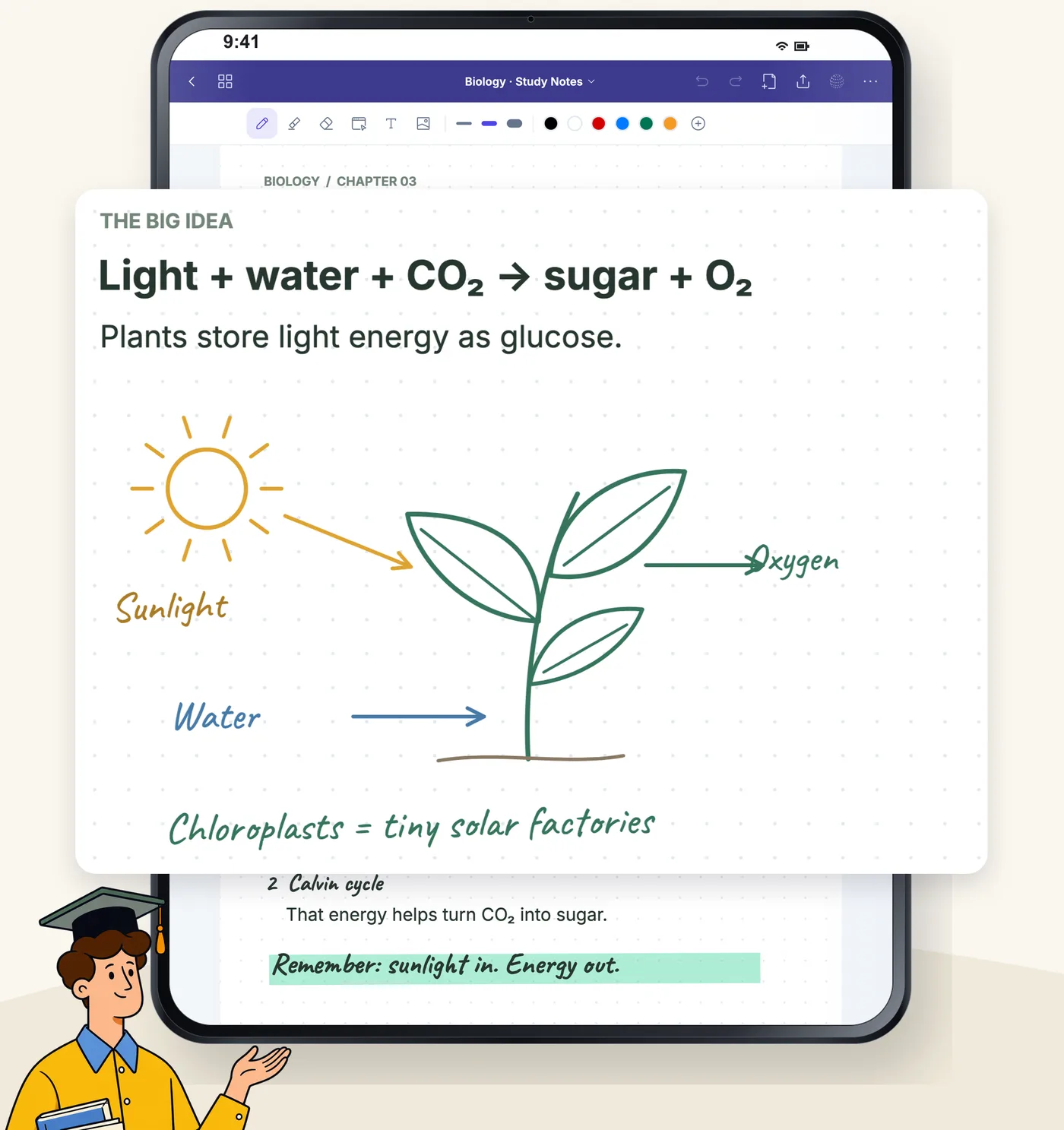
Three pens, and every stroke lands
Fountain pen, ballpoint and brush, plus a highlighter that sits under your writing. The line follows your pen without lag and gets slimmer on fast strokes.
- Pressure and speed set the width
- Apple Pencil writes, your finger turns pages
- Two-finger tap to undo
Shapes
Draw and hold, and it comes out clean
A circle becomes round, a rectangle straight, a stroke a line. Pause at the end and Hazelnote turns your sketch into a shape.
- Circles, ellipses, rectangles and triangles
- Straight lines by holding
- Lasso to move, rotate and copy
Organisation
Every subject in its place
Folders, favourites and a tab bar with everything you had open. Reorder pages by dragging them in the overview.
- Folders and favourites on the shelf
- Page overview with previews
- On every device with Essential and Pro
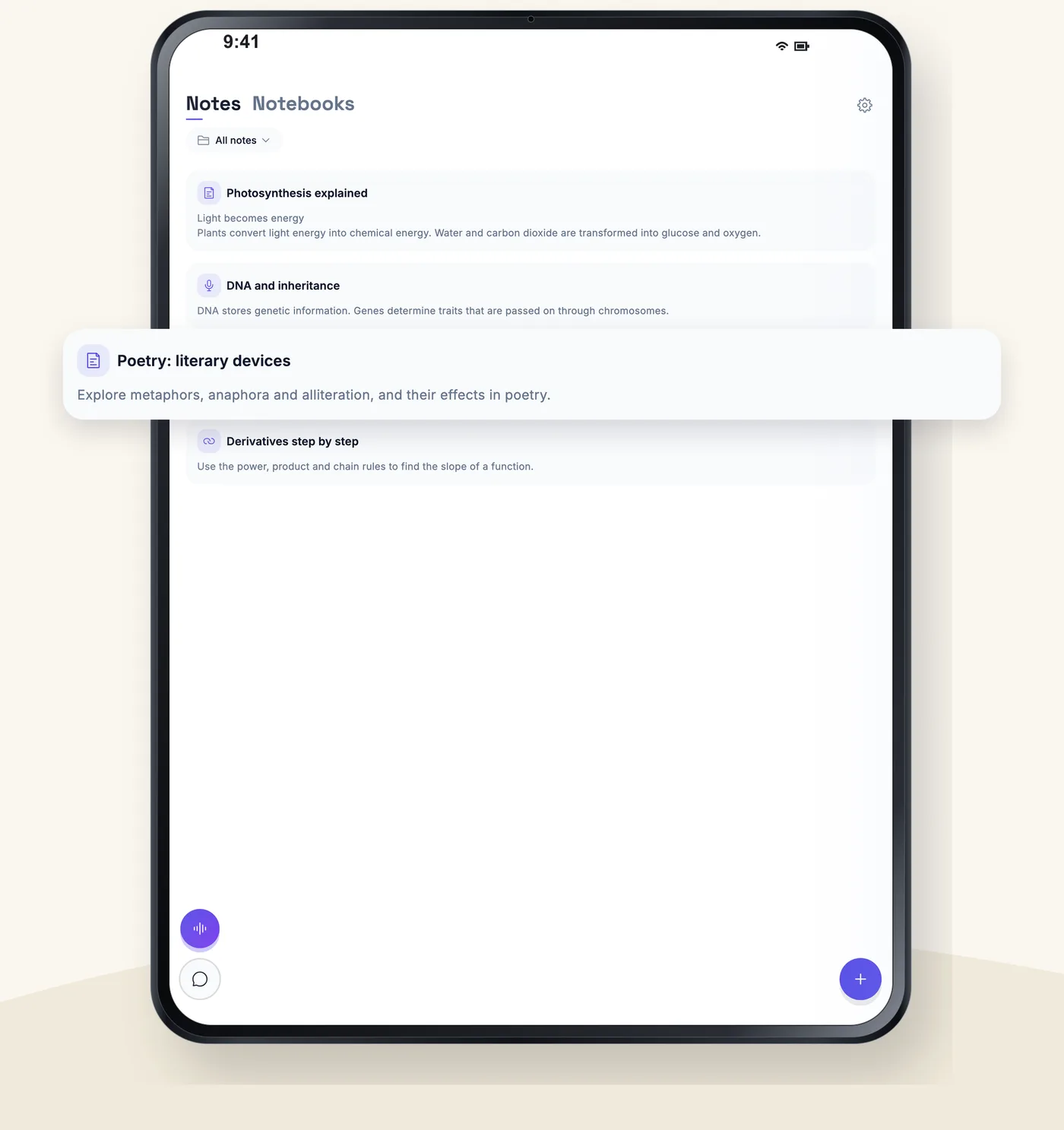
The small things that make the difference
Sticky notes
In seven colours, to write on.
Text boxes
Five fonts, for when typing is faster.
Your paper
Blank, ruled, squared or dotted.
Undo
Per page, for the whole session.
Export to PDF
Every page and every notebook.
Offline
Lives on your device, with or without a connection.
Frequently asked questions
Do I need a pen?
No. Your finger draws just as well. A pen makes it more precise, and then your finger turns the pages.
How many notebooks can I create?
Three notebooks or whiteboards together with Free, unlimited with Essential and Pro.
Do I lose notes when I'm offline?
No. Everything lives on your device first. With Essential and Pro it syncs as soon as you are back online.